
AI Rap Video Creator.
Create original rap duet videos from your photos with AI Rap Video Creator. Choose a stage, add a theme, and make a video worth sharing.
Start with your photos
Choose how you'd like to bring your idea to life.
Add your people
Clear, front-facing photos give the model more to work with.
JPG, PNG or WebP · Under 30 MiB per photo
Choose a stage
Where should the performance happen?
Set the format
Choose the size and length that fits your moment.
- Photo input
- Two portraits or one shared photo
- Video length
- 5, 8, 12, 15 seconds
- Resolution
- 480P or 720P
- Aspect ratio
- 9:16, 1:1, 16:9
- Stages
- 4 stages
From photo to flow.
Add your people
Use two solo portraits or one photo of both of you.
Set the scene
Pick a stage, a topic and the final video format.
Make it yours
Generate, watch and download your finished video.
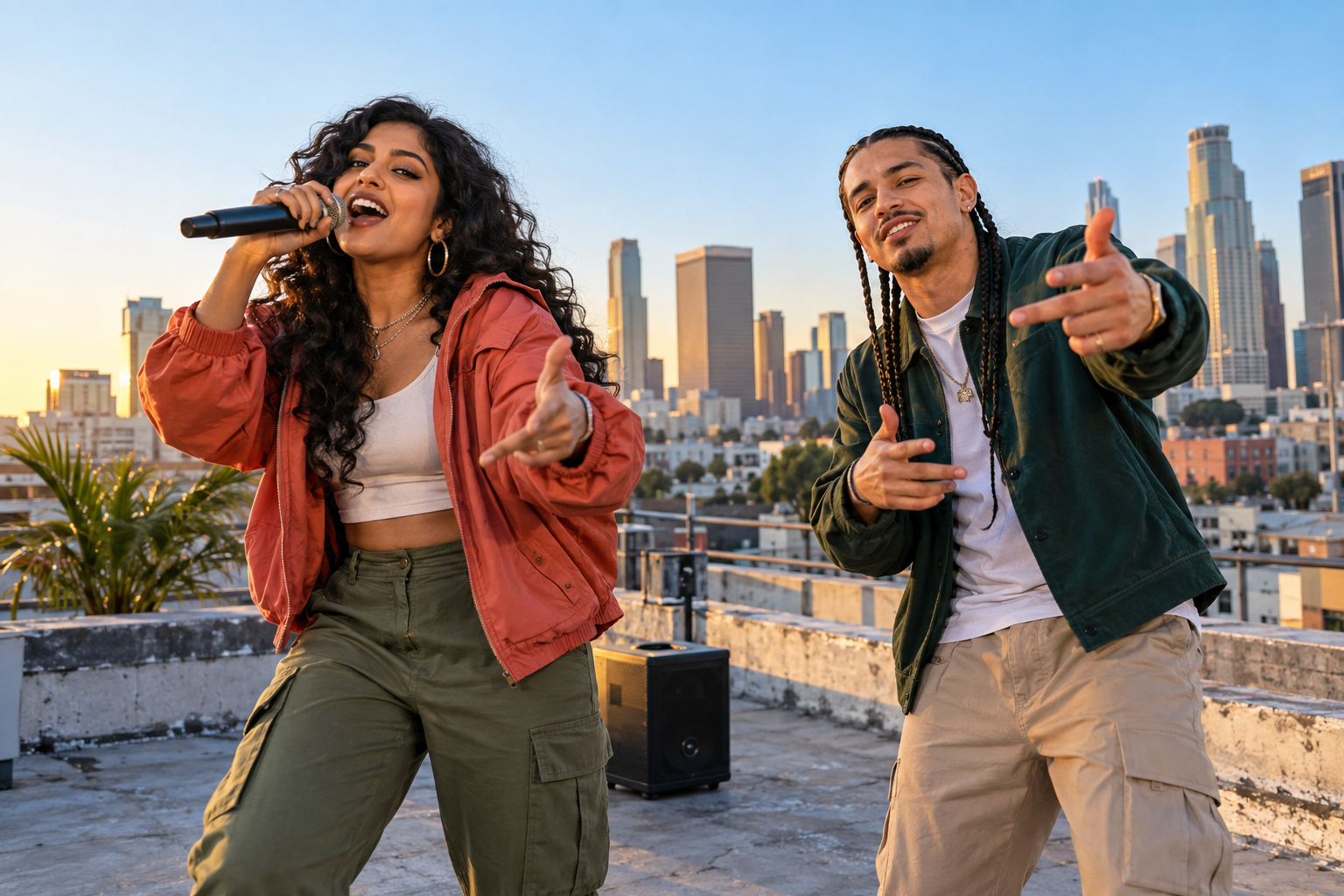 ROOFTOP SESSION
Put your duo on stage.
Put friends, partners or your whole duo into a scene made for them. Give it a theme that feels personal, then let the music and motion take shape.
Common questions
What does AI Rap Video Creator do?
AI Rap Video Creator turns photos into short rap duet videos with original model-generated audio, or animated photo effects. Add your photos, choose a stage or effect, and download the finished video. Results vary, including face consistency and lip movement.
What photos can I use?
Rap duet mode accepts two separate portraits or one photo of both performers. Photo effects use one image. Upload JPG, PNG or WebP files under 30 MiB each, 301 to 5760 pixels per side, with an image aspect ratio greater than 0.4 and less than 2.5. Use photos you have permission to animate.
What video lengths and formats are available?
Choose 5, 8, 12 or 15 seconds at 480P or 720P. Aspect ratios are 9:16, 1:1, 16:9. Photo effects include 16 choices.
How much does a video cost?
A 12-second video costs 10 credits at either 480P or 720P. Basic is $29.90 per month for 100 credits; the Single pack is $9.99 for 10 credits. The studio shows the credit cost before you submit.
Do I need an account to generate a video?
Yes. Sign in and have enough credits for the video you want to create. New accounts start with zero credits; you can buy a subscription or a credit pack on the pricing page.
What happens if generation fails?
Credits are reserved when you submit and returned after a confirmed generation failure. Unconfirmed results may need review before credits can be returned. A completed video uses the quoted credits.