
One portrait, one performer
Start with a clear photo of yourself or someone who has agreed to appear. You do not need a second portrait or a video recording.
YOUR CHRISTMAS VERSE
Turn one portrait into a Christmas rap video. Generate festive lyrics or polish your own, choose a holiday scene, and download your personal greeting.
One portrait, a personal verse and a Christmas scene.
One clear, front-facing portrait of an adult. Keep the face unobstructed.
JPG, PNG or WebP · Under 30 MiB · 301–5760 px per side0/32 words for 12s · Around 4 lines
Your final words are sent to the video model. Review them before generating.
AI lyrics are free after sign-in, with usage limits. Video generation uses credits. Sign in to write with AI
One-time credit packs from USD 5.99 · No subscription
Your draft stays on this device for 24 hours. Returning never starts a paid video automatically.
A SMALL IDEA, A BIG MOMENT
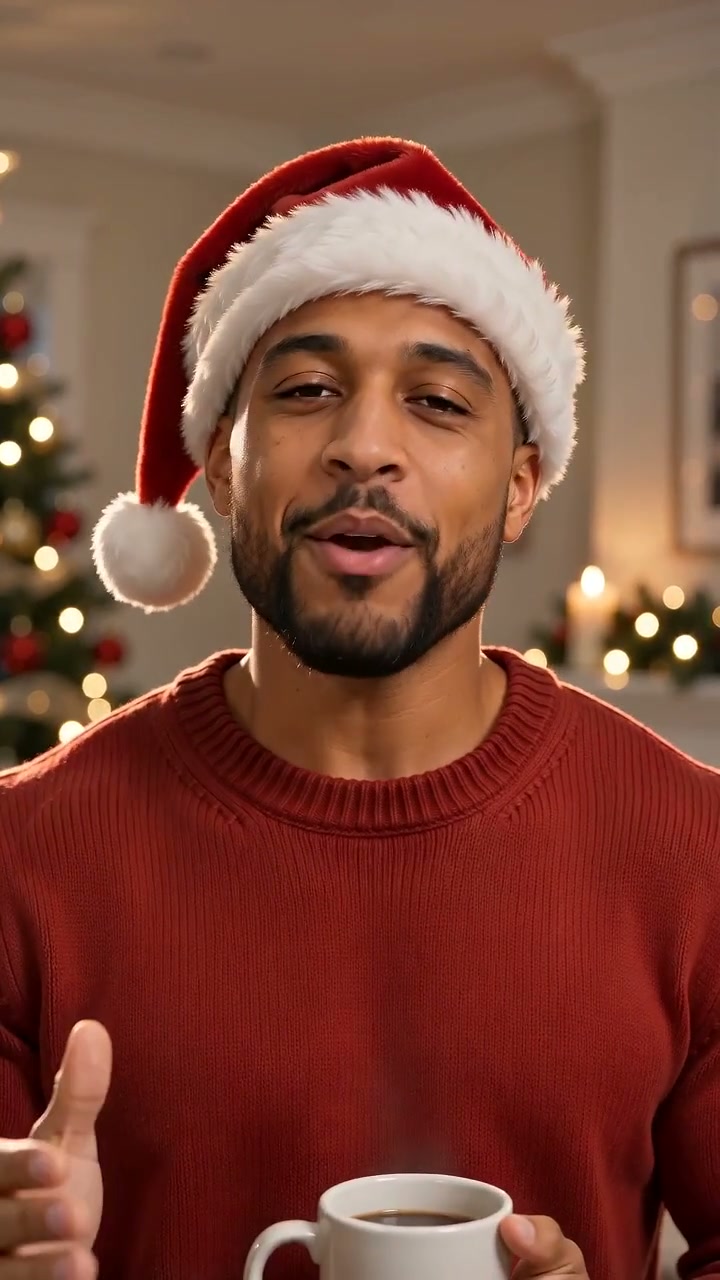
Give your holiday message a face and a verse. Upload one portrait, add a name or a shared memory, and make a short solo rap performance with Christmas decorations and original generated audio. Review the lyrics before spending credits on the video.
WHY IT WORKS
Start with a clear photo of yourself or someone who has agreed to appear. You do not need a second portrait or a video recording.
Ask AI for a Christmas verse, or enter your own lines and request a revision. Review the suggestion and confirm the lyrics you want to use.
Choose from three Christmas scenes. The video request includes holiday decorations, a solo rap vocal and an original beat.
A SIMPLE FLOW
A first name and one familiar detail give the verse a useful starting point. Thank a friend for keeping the group chat alive, mention the family member who always burns the cookies, or celebrate a team finishing its last project before the holidays. Keep the message short enough for the selected video length.
The lyric generator gives you an editable draft. If you have already written a greeting, paste it into the editor and use AI optimization to improve its rhyme and rhythm. Read the proposed wording before applying it, especially names, private jokes and anything you want to keep exactly as written.
Choose "Write my own" above and paste either original verse into the lyrics editor for a 12-second greeting. Change the name or team details to suit your recipient. Use "Optimize my lyrics" if you want help with rhyme and flow, then review the suggestion and confirm your final wording before creating the video.
Mia, Christmas lights are shining bright. Cookie crumbs and laughs tonight. Here’s to home and friends so dear. Merry Christmas, see you next year!
Team, we made it through the year. Last deadline down, now bring the cheer. Close those tabs, the holidays are here. Merry Christmas, crew, see you next year!
Play the finished video with sound to check the names and delivery. Download the MP4 when you are happy with the greeting and share it with your recipient.
Choose a cozy fireplace with a decorated tree and gifts, a snowy street with glowing lights, or a Christmas party with red and gold decorations. Choose the atmosphere that fits your greeting, then let the model compose the motion around your portrait. A clear, front-facing photo gives it a better reference for the face.
Choose a vertical 9:16 video for a phone greeting, 1:1 for a square post, or 16:9 for a screen at a holiday gathering. You can select 5, 8, 12 or 15 seconds at 480P or 720P. Listen to the full result before sharing so you can check the names, wording and delivery.
The result is an MP4 with generated vocals and a beat. It works as a personal Christmas message, an opening clip for a holiday party or a thank-you to your team. Download the finished file and send it through the app or social platform you normally use.
Lyrics are performance direction for the video model. Exact wording, pronunciation, face consistency and lip movement can vary, so the confirmed verse is not a guarantee of a word-for-word recording. The voice is generated and does not reproduce the person’s real voice from a photo.
Open a school holiday assembly or class celebration with a short Christmas rap song. Use a consenting adult teacher or performer’s portrait, thank the class for a shared achievement and keep the rhymes simple enough to follow. Read the lyrics for age-appropriate wording and listen to the finished clip before showing it at school.
For a clean version, build your Christmas rap song around festive wishes, cookies or a favorite holiday memory. Choose "Warm wishes" for a gentle starting point, then edit out profanity, suggestive lines and jokes at someone’s expense. Review any AI suggestion before applying it, and check the finished audio before sharing with a family or school audience.
Turn a team milestone into a Christmas rap song for coworkers. Mention the project you finished, thank the people who helped and end with a wish for a restful break. Use your own portrait or a consenting adult colleague’s, keep office jokes friendly and leave confidential work details out of the lyrics. Share the finished MP4 in the team chat or at your holiday gathering.
GOOD TO KNOW
One clear portrait of a consenting adult is enough. Upload a JPG, PNG or WebP under 30 MiB, choose a Christmas scene and prepare your lyrics. The tool creates a solo performance with generated rap audio.
Yes. Sign in, add a short theme or greeting details and generate an editable draft. Lyric generation and optimization do not use video credits, but request limits apply. Video generation requires paid credits.
Yes. Enter your verse and ask AI to improve its flow and rhyme. You can review the suggestion before applying it, edit the final text and confirm your lyrics before creating the video.
Yes. Add a first name, a short wish or a shared memory. Keep the verse brief and check pronunciation in the finished video. Exact wording and pronunciation can vary.
The selected scene guides festive details such as a decorated tree, gifts, warm holiday lights or snow. AI creates a new performance, so the exact decorations, clothes and camera movement vary between results.
Choose 5, 8, 12 or 15 seconds for 5, 7, 10 or 13 credits respectively. Both 480P and 720P use the same credit quote. Available aspect ratios are 9:16, 1:1 and 16:9. Check the displayed quote before generating.
The model receives your confirmed lyrics as performance direction, but a word-for-word result is not guaranteed. Vocals are generated; uploading a portrait does not clone the person’s real voice. Review the finished clip with sound before sharing.
Yes. Download a completed video as an MP4 with its generated audio. The tool does not provide a separate MP3 download. You can send the file to friends or upload it to your preferred platform.