
Start solo
One picture is enough for an effects video.
ONE PHOTO, NEW PERSPECTIVE
Make a cinematic moment from a single portrait or a photo of two people. Pick from 16 distinct effects.
Choose how you'd like to bring your idea to life.
Choose the person you want to see transformed.
JPG, PNG or WebP · Under 30 MiB per photo
Give your portrait a new point of view.
Choose the size and length that fits your moment.
A SMALL IDEA, A BIG MOMENT
The effect controls turn a still image into a short scene: a camera racing out toward Earth, a dramatic entrance, impossible lighting and more.
WHY IT WORKS
One picture is enough for an effects video.
Choose spectacle, comedy or a quieter transformation.
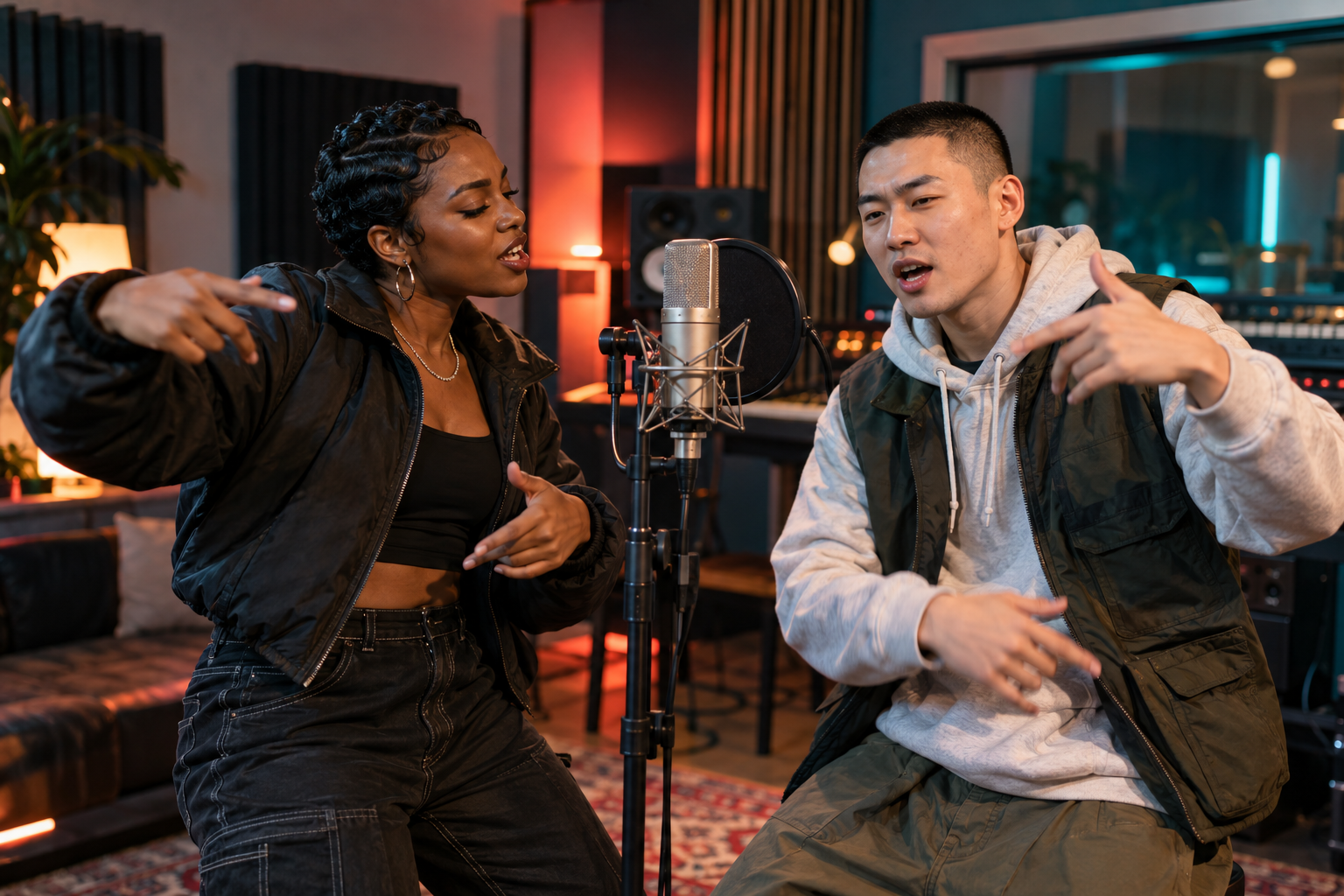
The same portrait can be used again for a rap performance.
A SIMPLE FLOW
GOOD TO KNOW
A clear photo of two people can work. Results are strongest when faces are unobstructed.
No. The model renders a new video from the uploaded reference image.