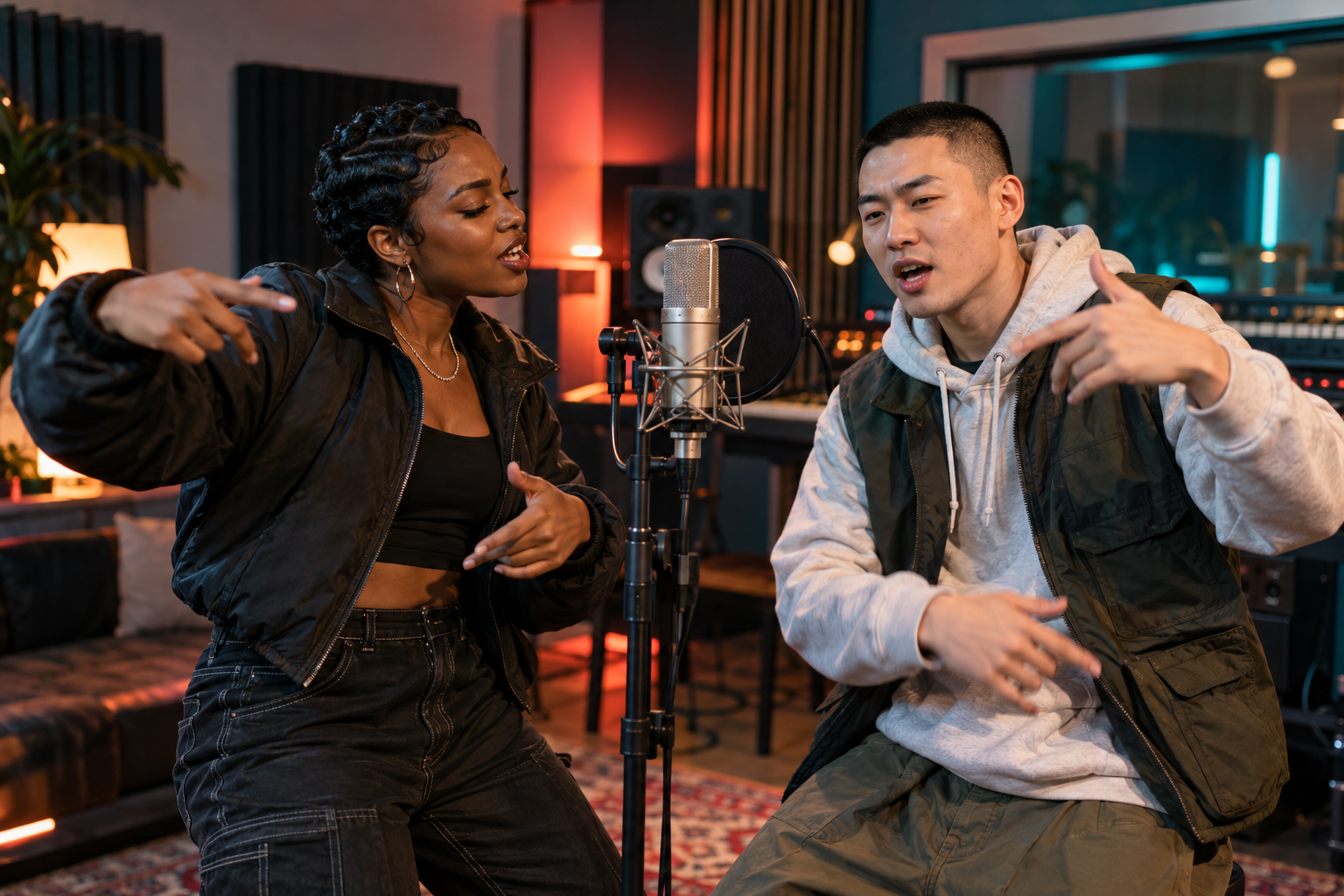
Write a clear topic for the AI rap generator
Think of the topic as a brief for a small performance. A birthday greeting needs the person being celebrated and a recognizable detail. A reunion needs a shared memory. A friendly rivalry needs a disagreement both participants find funny. Choose the purpose first, because an affectionate tribute and a roast can use the same facts with very different effects.
Plain language works well for this job. You do not have to invent rhymes, mark every bar or describe a particular flow. The model receives instructions to compose concise original lyrics around your subject. A topic gives it direction, but it does not guarantee that a particular sentence, name or punchline will appear exactly as written.
Give the relationship enough context
A useful brief explains why these two people belong in the same verse. Friends who met at university have a different story from siblings celebrating a parent. Include that relationship when it affects the joke or the sentiment. The model cannot infer a private history from two portraits.
Keep personal details appropriate for the eventual audience. A joke that works in a private chat may feel uncomfortable at a birthday dinner. If you plan to post publicly, pick a detail the performers are happy to share. Ask the person receiving the video when you are unsure about a sensitive subject.
Use specific details without writing a whole biography
Replace broad praise with something a friend would recognize. Someone who makes coffee for the whole office gives the verse more material than someone described only as amazing. A missed train, a favorite snack or a recurring match-day argument can suggest a small scene. One good detail also leaves room for the model to find a rhyme.
Example topic: Two old roommates celebrating a reunion. Mention midnight noodles and the bus we always missed. Keep the duet warm and funny.
Example topic: Celebrate Jamie finishing a first marathon. We trained together before sunrise and always stopped for cinnamon buns. Proud, friendly energy.
Choose a detail your own duo would recognize. If a particular line matters, listen for it in the finished audio. The topic box cannot promise a word-for-word performance.
Match the idea to a short rap performance
Five seconds gives very little room for a complicated setup. Use one greeting or a compact celebration. Eight seconds can carry a little more context, while 12 or 15 seconds leave more space for an exchange and closing hook. The generated wording and pacing still vary between results.
The duet instructions adapt to your selected duration. The shortest clips omit the extra question-and-answer exchange. A longer setting can therefore suit a theme with two viewpoints, such as rival football supporters who still travel to matches together. Avoid adding a second story simply because there are a few more seconds available.
Choose the rap language separately from the topic
The studio supports English, Mandarin Chinese, Spanish as spoken in the United States and Brazilian Portuguese. Select the language with the Rap language buttons. Write your topic clearly enough that the intended meaning survives a change of language, especially when the humor depends on slang or a local expression.
Names and unusual place names deserve an extra listen. Check what you hear before sharing with the recipient. If a nickname is important, use the version your friends normally say. Lyrics, pronunciation and interpretation can vary, so allow time to review the actual performance instead of judging only the written brief.
Improve your AI rap generator topic one change at a time
When a result misses the point, name the problem before trying again. Was the joke too general? Did the verse spend its time on the wrong detail? Did a sentimental subject sound too teasing? Those problems call for different changes. Replace an unclear detail or specify a warmer tone while keeping the rest of the brief steady.
Use the stage and format controls for visual decisions. The Rap topic field supplies lyrical subject matter; it does not direct the camera, change the cast or select a language. Keeping those choices in their own controls makes it easier to understand what you changed. Save the wording and settings of a result you like if you want to compare another attempt.
Review what the duet actually says
Play the clip once for meaning before concentrating on the image. Listen for an unintended insult, an incorrect name or a phrase that changes the story. Then watch both performers throughout the exchange. Look for face changes and distracting mouth movements, especially where one person hands the verse to the other.
A generated performance can be enjoyable without matching your imagined script. Decide which details are essential for this recipient and which are flexible. If a factual detail must be correct, verify it in the finished audio. Share a version only when you are comfortable with its words and with how both people appear.
GOOD TO KNOW
AI rap generator questions
What does this AI rap generator create?
It creates short rap duet videos from your photos. The generation requests original lyrics, vocals and instrumental music around an optional topic. You receive a video performance to review and download, with results that can vary in wording, appearance and lip movement.
Do I need to write lyrics first?
No. A brief topic is enough, and the field is optional. Use the available 250 characters for a clear subject and a personal detail. The model writes its own short verses, so you do not need to supply a complete song.
Can I make a solo rap?
Rap mode is designed for two performers, using two portraits or one shared photo. Photo effects mode accepts one person, but that is a different creation mode. Choose photos of both participants when making a rap duet here.
Can I specify exact lyrics or clone a voice?
This studio uses a topic to request an original performance. It does not provide exact lyric editing, an existing-song upload or a voice-cloning control. Listen to the generated voices and words before deciding whether the performance suits your idea.
Which settings can I change?
Choose among four stages and four rap languages, with 5, 8, 12 or 15 seconds at 480P or 720P. The available aspect ratios are 9:16, 1:1 and 16:9. The studio shows your selected settings and credit cost before creation.
Is the AI rap generator free?
Video generation requires paid credits. A standard 12-second video uses 10 credits at either resolution. Check Pricing for the current credit packs and their USD prices. One-time pack credits do not expire or renew automatically. Review the studio quote before creating each video.
Can I make a friendly roast?
Yes, when everyone involved agrees and the theme stays playful. Choose a harmless shared habit, such as always ordering too much pizza. Avoid private information, humiliating accusations or a subject the recipient has asked you to leave alone.
What happens if generation fails?
Credits are reserved when you submit a generation. A confirmed generation failure returns reserved credits. Uncertain outcomes can require review before credits return, so check your task status before submitting another attempt. A completed video consumes its quoted credits.