
Start from photos
Use images you already own and have permission to animate.
YOUR STORY, IN MOTION
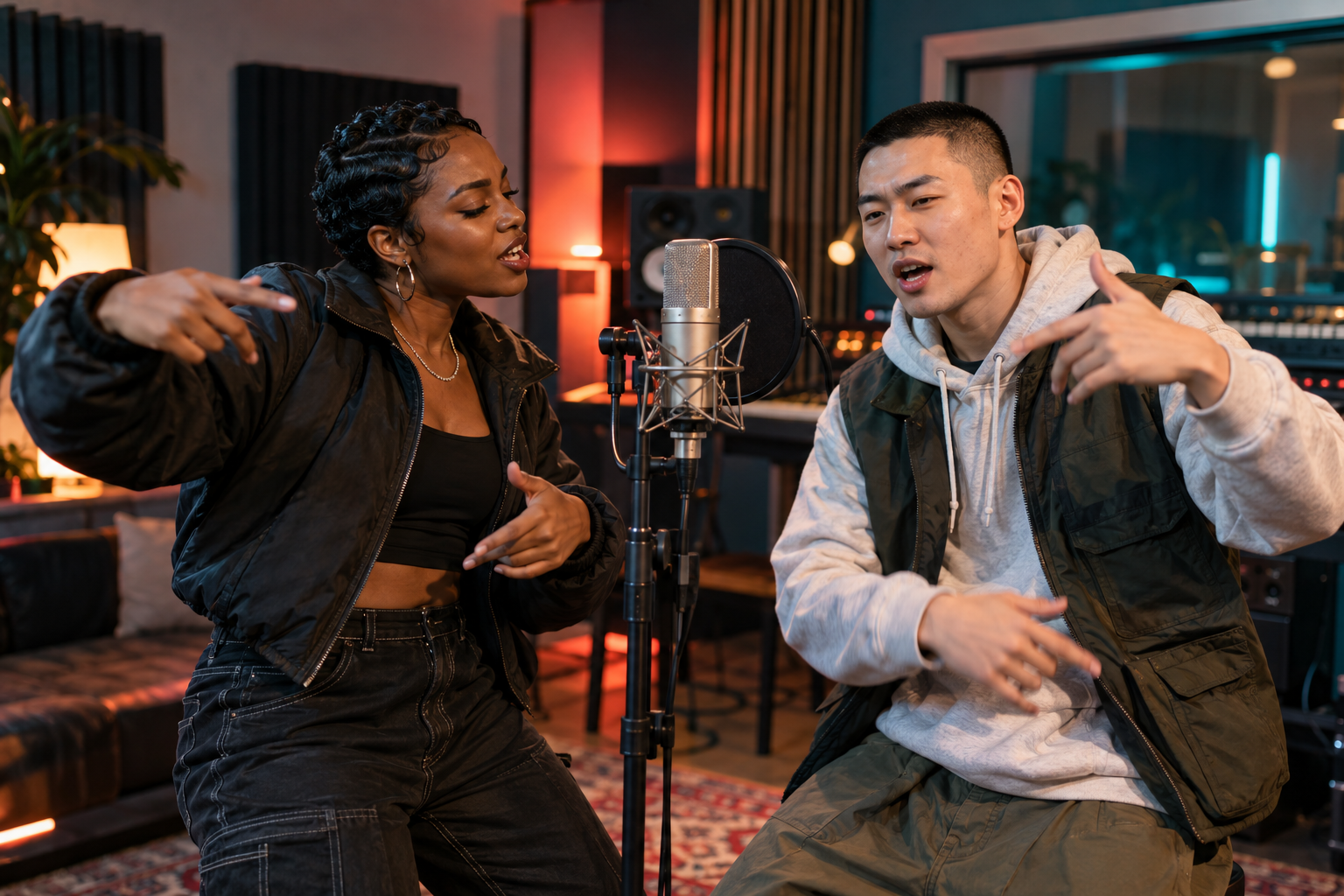
Turn portraits into a short music video with a setting, rhythm and frame chosen by you.
Choose how you'd like to bring your idea to life.
Clear, front-facing photos give the model more to work with.
JPG, PNG or WebP · Under 30 MiB per photo
Where should the performance happen?
Choose the size and length that fits your moment.
A SMALL IDEA, A BIG MOMENT
Start with the people, then choose the atmosphere. The studio can make a performance clip from two portraits or a cinematic effect from one.
WHY IT WORKS
Use images you already own and have permission to animate.
Move between studio, street and lobby settings for different energy.
Vertical, square and wide output fit different destinations.
A SIMPLE FLOW
GOOD TO KNOW
Rap mode requests a fresh beat and vocals. Audio quality and synchronization vary by generation.
Yes. Effects mode supports a single photo; rap mode supports a two-person photo as well.