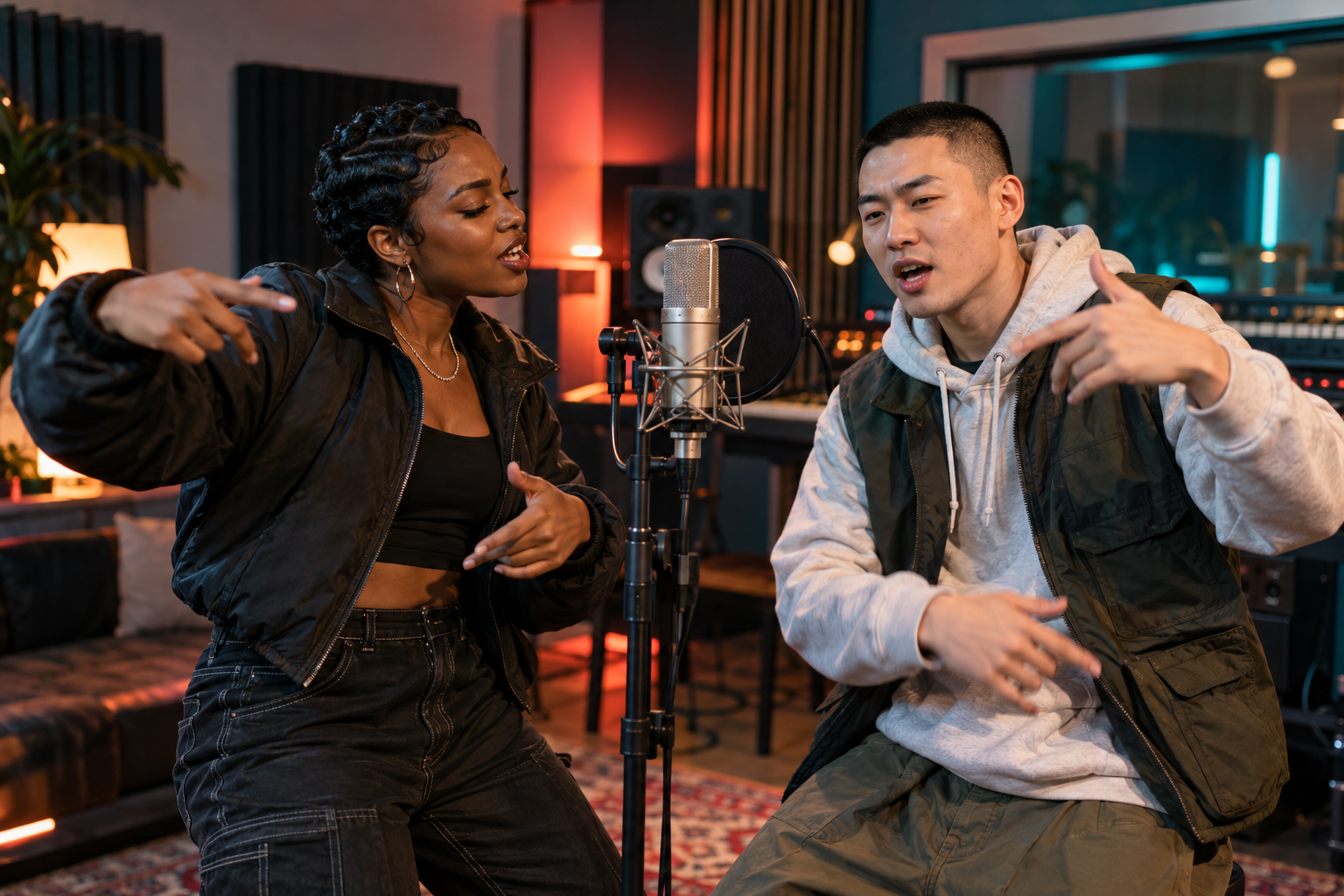
Prepare photos for the AI rap video generator
Start with photographs where both faces are easy to see. For separate portraits, choose one person per image, with an unobstructed face and enough light to distinguish their features. A cropped screenshot from a distant group photo often gives the model less useful detail. Avoid covering the mouth with a hand or choosing a face hidden behind sunglasses.
For a shared photo, make sure both people are clearly visible. Their left and right positions help define the two performers. The images do not need to come from a professional shoot. Uploads must be 301 to 5760 pixels on each side, with a width-to-height ratio greater than 0.4 and less than 2.5. Use photos you have the right to animate and obtain both people's agreement.
Choose a stage and frame for the occasion
Spotlight Room has a warm, bright performance setting, while Velvet Lounge suggests a more intimate late-night scene. Sound Lab gives the duet a recording-studio setting. Rooftop Session places the performance against a city skyline after dark. Choose the stage with the studio buttons; writing another location in the topic does not change that setting.
Use 9:16 when you want a vertical composition for phone viewing. A square 1:1 frame can suit a shared social post, while 16:9 provides a wide frame for a screen or presentation. Check the destination platform's preview before posting. Its buttons or captions may cover parts of the video, so watch where the faces appear in that final view.
Use case: a birthday duet with a personal joke
Pair the birthday guest with a willing friend or relative. Choose one detail the recipient enjoys being known for, such as early-morning hikes or an unusually serious coffee routine. Spotlight Room and a vertical 9:16 frame are a practical starting point for a greeting sent to a phone. Twelve seconds gives the duet room for a brief exchange.
Example topic: Maya's birthday: celebrate her sunrise hikes, strong coffee and habit of arriving early. A warm, playful duet from two old friends.
Listen for the name and check whether the humor feels affectionate. If you are showing the video at a party, play the saved version on the actual speaker beforehand. Words that sound clear through headphones may be harder to follow in a noisy room.
Use case: old friends meeting again
Separate portraits are useful when friends live in different cities. Ask each person for a clear photo, then build the subject around one memory they both recognize. Rooftop Session with 9:16 can suit a casual reunion clip. Choose 12 or 15 seconds when the idea includes a memory and a present-day celebration.
Example topic: College roommates meeting again after five years. Rap about midnight noodles, missed buses and keeping the friendship alive.
Check that the generated words preserve the friendly mood. A shared memory can sound like a complaint if the brief only describes what went wrong. Add the celebration to the topic, and watch whether both people remain recognizable through their turns in the performance.
Use case: an anniversary message for a couple
Use a clear photo together or individual portraits that both partners are comfortable sharing. Velvet Lounge and a square 1:1 frame can suit a personal anniversary message. Keep the topic on an ordinary detail that feels like your relationship: where you met, a weekend ritual or the dinner debate you never resolve.
Example topic: Celebrate our anniversary: we met at a bookstore, still argue over pizza toppings and always plan the next weekend trip. Affectionate and funny.
Review the tone before sending. A private greeting may suit a softer joke than a public post. Check any relationship details in the audio, and choose a different topic if the generation interprets a harmless disagreement more sharply than you intended.
Use case: a team celebration after a launch
A duet can give two teammates a short celebration after a completed project. Sound Lab with a wide 16:9 frame is one option for a team meeting or presentation. Focus the topic on an achievement everyone involved can discuss publicly. Ask the pictured colleagues before creating the performance.
Example topic: Two teammates celebrating a product launch after months of testing. Mention late-night debugging and finally seeing the first customer sign up. Upbeat and appreciative.
Listen for invented facts before showing the clip. The model can change wording or add details, so check customer numbers, dates and names if they appear. Keep confidential information out of the brief and label the performance appropriately when context could otherwise be unclear.
Review the sound and picture before downloading
Play the full result with sound enabled. Listen for understandable words and a theme that fits the people involved. Then watch the faces, hands and mouth movements. The model attempts coordinated performance, but the audio and lip movement are not guaranteed to match precisely. A small screen can hide a visual problem that becomes obvious on a television.
Check the saved file in the place where you will use it. For a phone post, look at the platform preview and listen through the phone speaker. For a party or meeting, try the actual playback screen and sound system. If a result needs another attempt, change one input or setting so you can judge whether that adjustment helped.
GOOD TO KNOW
AI rap video generator FAQ
What is an AI rap video generator?
It is a tool that uses photo references and a theme to request a generated rap performance. Here, rap mode creates a short duet with two performers, original model-generated vocals and instrumental music. You choose the stage and output settings before creating the video.
Can the two people be in different photos?
Yes. Choose Two solo photos and upload one portrait of each performer, or One photo together when both people appear clearly in one image. Use JPG, PNG or WebP files under 30 MiB each. The people do not have to be photographed in the same place.
Does this rap video generator include music?
The generation request includes original rap vocals and instrumental music. Play the completed video with sound to review what the model produced. This studio does not provide an existing-song upload, a music-track picker or a voice-cloning control.
Can I choose exactly what the performers say?
You can give the duet a topic of up to 250 characters, but the model composes its own wording. Exact lyrics and pronunciation are not guaranteed. Use a brief with a clear occasion and check the finished words before sharing the result.
Which languages and video settings are available?
Rap languages are English, Mandarin Chinese, United States Spanish and Brazilian Portuguese. Choose 5, 8, 12 or 15 seconds at 480P or 720P, in vertical 9:16, square 1:1 or wide 16:9. The default is 12 seconds at 720P in 9:16. Use the separate language and format controls before submitting.
How much does a rap video cost?
A 12-second video costs 10 credits at either 480P or 720P. Check Pricing for available packs, credit amounts and USD prices. One-time pack credits do not expire. Other lengths use the credit quote displayed in the studio; check that amount before submitting your generation.
Do I need an account or paid credits?
Yes. Sign in and have enough credits for the settings you selected. New accounts start with zero credits. You can prepare the idea and inspect the studio controls before submitting; creating a video requires the quoted credits.
What should I do if a video fails?
Check the task status in My videos. Reserved credits return after a confirmed generation failure; uncertain outcomes can require review first. Avoid starting another paid attempt solely because the first is still processing. Review any available status message before deciding what to do next.