
Start with the input
Some tools start with a text prompt, others with a still image or existing footage. If the people in the video matter most, a reference-photo workflow usually makes more sense than a generic text-only scene.
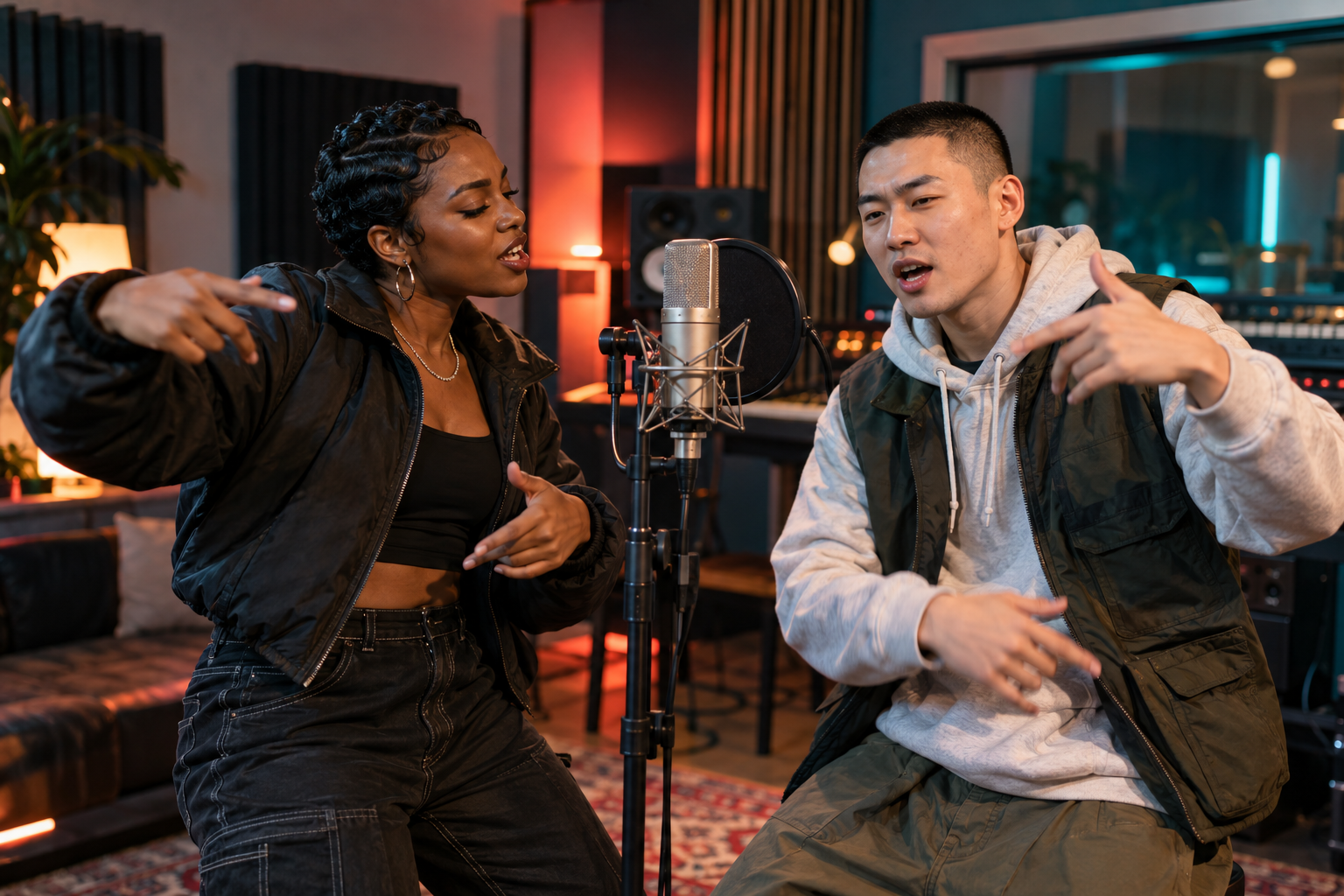
Check whether the tool accepts more than one subject. A duo video asks the model to preserve two faces while placing them in the same scene; that is a different job from animating a landscape.
Judge the whole clip
A striking first frame is not enough. Watch for consistent faces, coherent camera movement and whether the audio supports the action. Test a short duration before spending credits on a higher-resolution version.
If you plan to post publicly, choose your aspect ratio in advance. Reframing after generation can cut off a performer or a key visual beat.
Keep the workflow honest
Ask where uploaded images are stored, how results can be downloaded and what happens when a render fails. Clear costs and a visible generation status matter as much as cinematic output.
For a playful two-person performance, AI Rap Video Creator has a focused workflow: photos, stage, theme and output settings in one place.