
Two people from photos
Use two clear portraits or one photo of both consenting performers. They share the same generated scene.
KEEP IT FRIENDLY
Make a funny diss track video from two photos. Generate original rap vocals and a beat, choose a friendly roast prompt, and download your MP4.
Choose how you'd like to bring your idea to life.
Clear, front-facing photos give the model more to work with.
JPG, PNG or WebP · Under 30 MiB per photo
Where should the performance happen?
Choose the size and length that fits your moment.
A SMALL IDEA, A BIG MOMENT
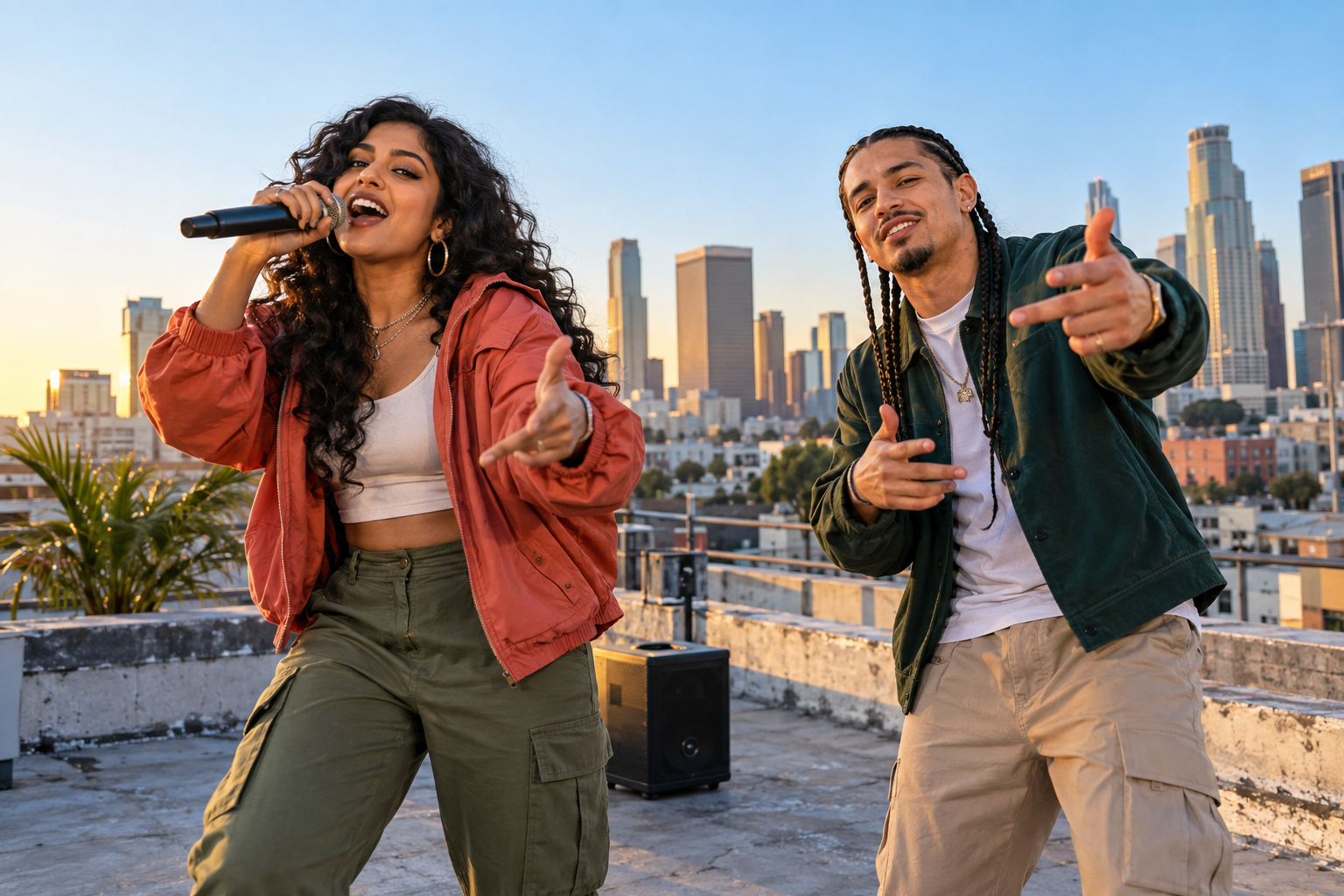
Put two friends on a rooftop stage for a playful rap exchange. Start with a shared joke about the playlist, game night or the friend who is always late, then let the model create a short performance.
WHY IT WORKS
Use two clear portraits or one photo of both consenting performers. They share the same generated scene.
Choose a friendly roast example or describe your own rivalry in up to 250 characters. The topic guides the performance.
The generation requests original rap audio with the visuals. Review the result with sound, then download the MP4.
A SIMPLE FLOW
GOOD TO KNOW
It creates a two-person rap video lasting 5 to 15 seconds from your photos. The request asks for original verses, vocals and a beat about your topic. The result is an MP4 video, and the model may vary the wording and delivery.
Yes. Rap mode requests generated vocals and a beat inside the video. Vocal quality and lip movement vary. This is not voice cloning, and a photo does not reproduce that person’s real voice.
Upload two clear individual portraits or one photo showing both people. Use JPG, PNG or WebP files under 30 MiB each, with visible faces. Both people must agree to appear, and you must confirm permission in the studio.
Choose 5, 8, 12 or 15 seconds, 480P or 720P, and 9:16, 1:1 or 16:9. This page starts with Rooftop Session, 12 seconds, 720P and a vertical 9:16 frame.
You can read the guide and choose prompts for free. Video generation requires paid credits, and new accounts start with zero credits. A 12-second video costs 10 credits. Duration determines the quote; 480P and 720P cost the same. Check the quote before generating.
The Rap topic guides the model, but a word-for-word performance is not guaranteed. There is no separate lyric editor. Use a short subject or punchline as direction rather than expecting a fixed script.
The studio provides an MP4 video download. It does not offer a separate MP3 export. Play the video with sound to review the generated vocals and beat before sharing.
Pick a harmless habit both people enjoy joking about, such as skipping songs, arriving late or blaming a game loss on lag. Give each person a reply. Keep private information, bullying, threats and deceptive impersonation out of the prompt.