
Separate photos work
Each person can send their own portrait. You do not need a picture taken together.
THE ORANGE STAGE
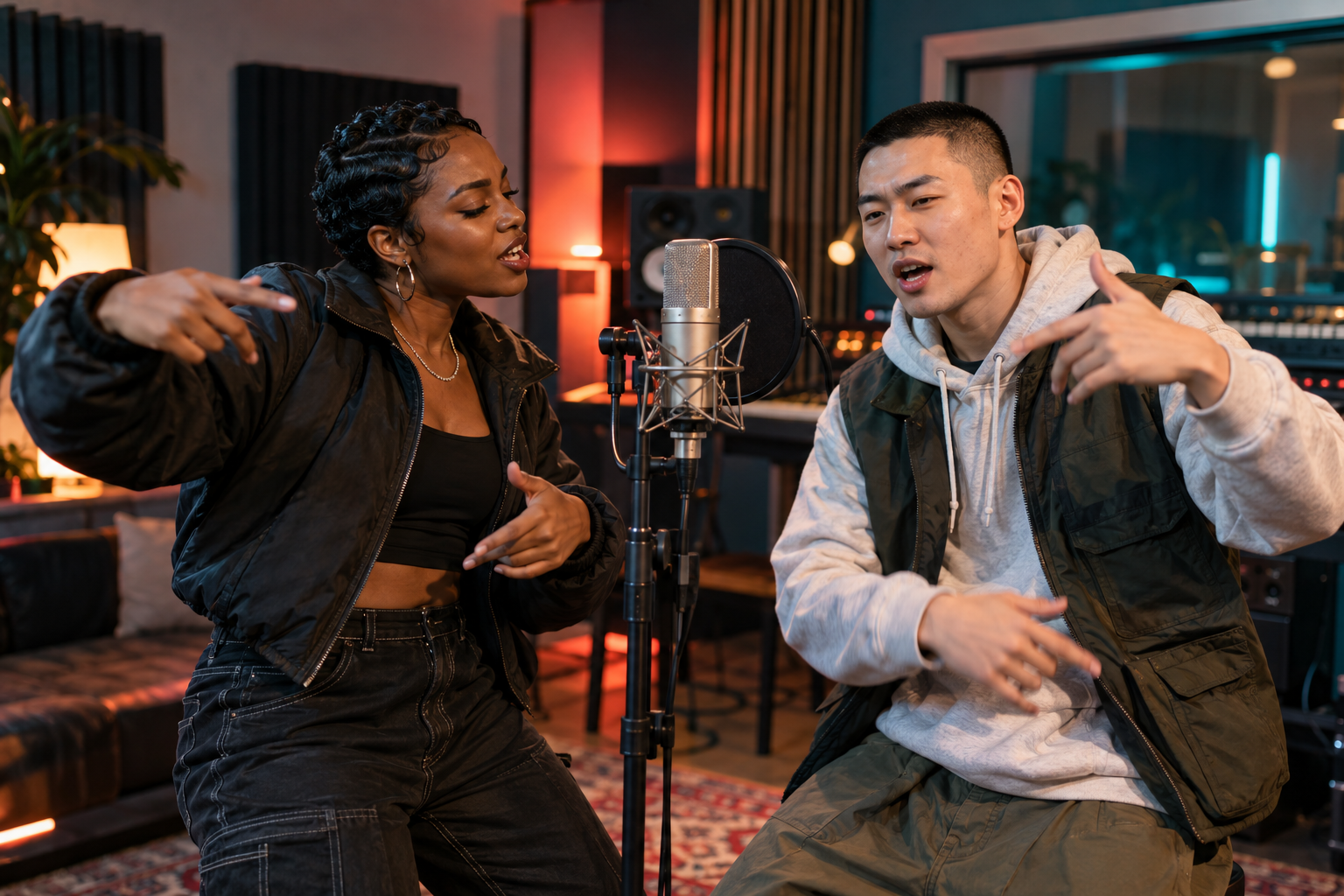
Put two familiar faces under the studio lights and make an original rap performance from your photos.
Choose how you'd like to bring your idea to life.
Clear, front-facing photos give the model more to work with.
JPG, PNG or WebP · Under 30 MiB per photo
Where should the performance happen?
Choose the size and length that fits your moment.
A SMALL IDEA, A BIG MOMENT
A vivid orange room, two performers and a beat made for your moment. Choose Spotlight Room and give the model a story to work with.
WHY IT WORKS
Each person can send their own portrait. You do not need a picture taken together.
Add a birthday, friendly challenge or private joke as the optional rap theme.
Choose a vertical, square or wide frame before making your clip.
A SIMPLE FLOW
GOOD TO KNOW
No. Two separate portraits are enough; the model brings both people into one performance.
No. The prompt asks the model to create a new rap performance rather than reproduce a recording.