
Recognizable cast
Clear, front-facing photos give the model the best chance to preserve each face.
STEP INTO THE SPOTLIGHT
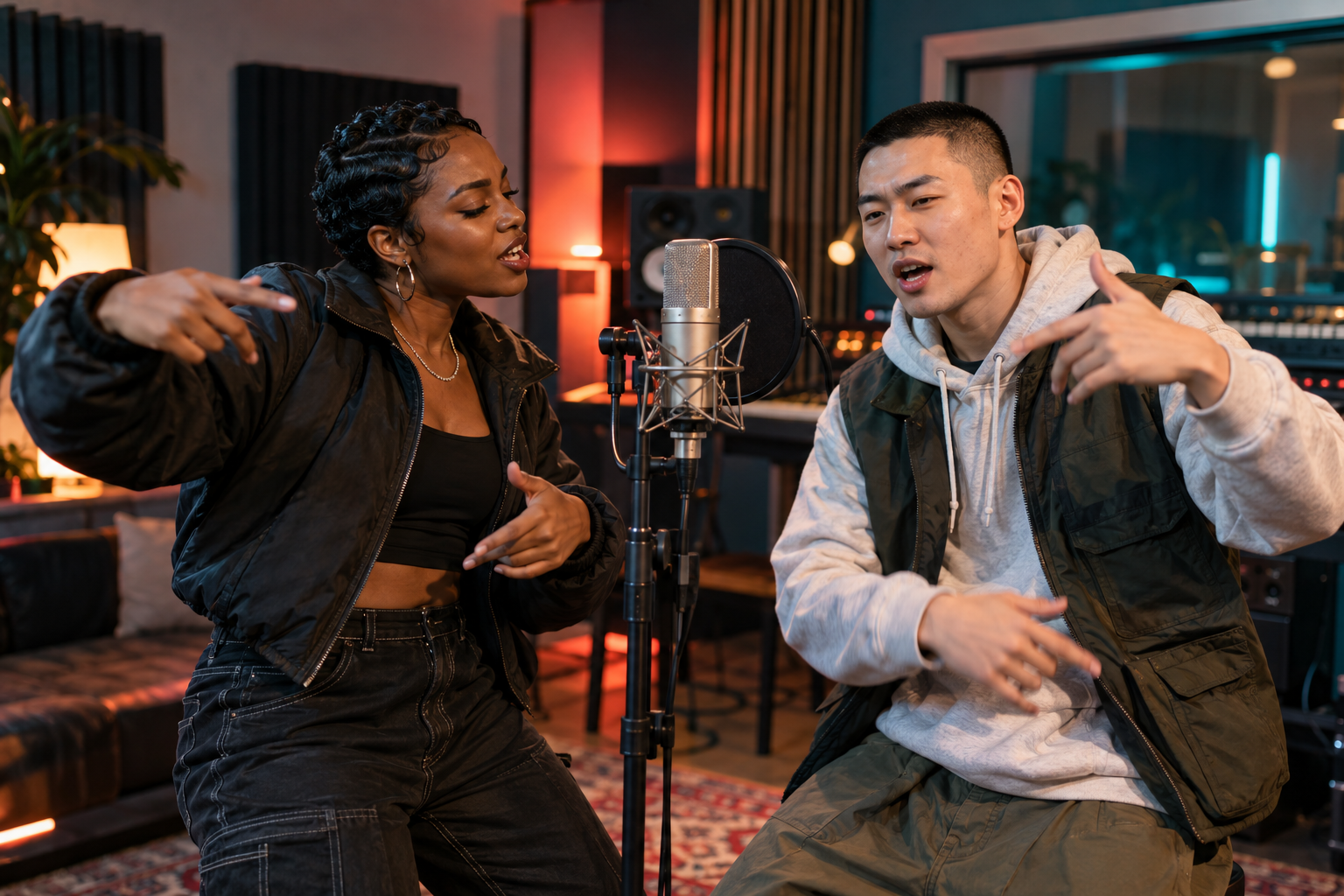
See yourself and a partner take the mic in a newly generated rap performance.
Choose how you'd like to bring your idea to life.
Clear, front-facing photos give the model more to work with.
JPG, PNG or WebP · Under 30 MiB per photo
Where should the performance happen?
Choose the size and length that fits your moment.
A SMALL IDEA, A BIG MOMENT
A strong face photo gives the model a useful reference. Add a friend or use a photo with both of you, then choose the stage.
WHY IT WORKS
Clear, front-facing photos give the model the best chance to preserve each face.
Choose a subject to shape the verse and the mood.
The video request includes original vocals and a beat.
A SIMPLE FLOW
GOOD TO KNOW
Effects mode works with one person. Rap mode is designed for two people, including a shared photo.
Only use images you have the right and consent to animate. Impersonating public figures is not supported.